Project Management OS
The question
How do you get a team out of five tools and into one?
An all-in-one project management platform used by teams across Europe and the US. Over four months I designed its Goals feature from scratch, a Quick Tasks panel, and new App Store and Google Play screenshots.
Confidential project. The client's name and some details are under NDA.
01
Context
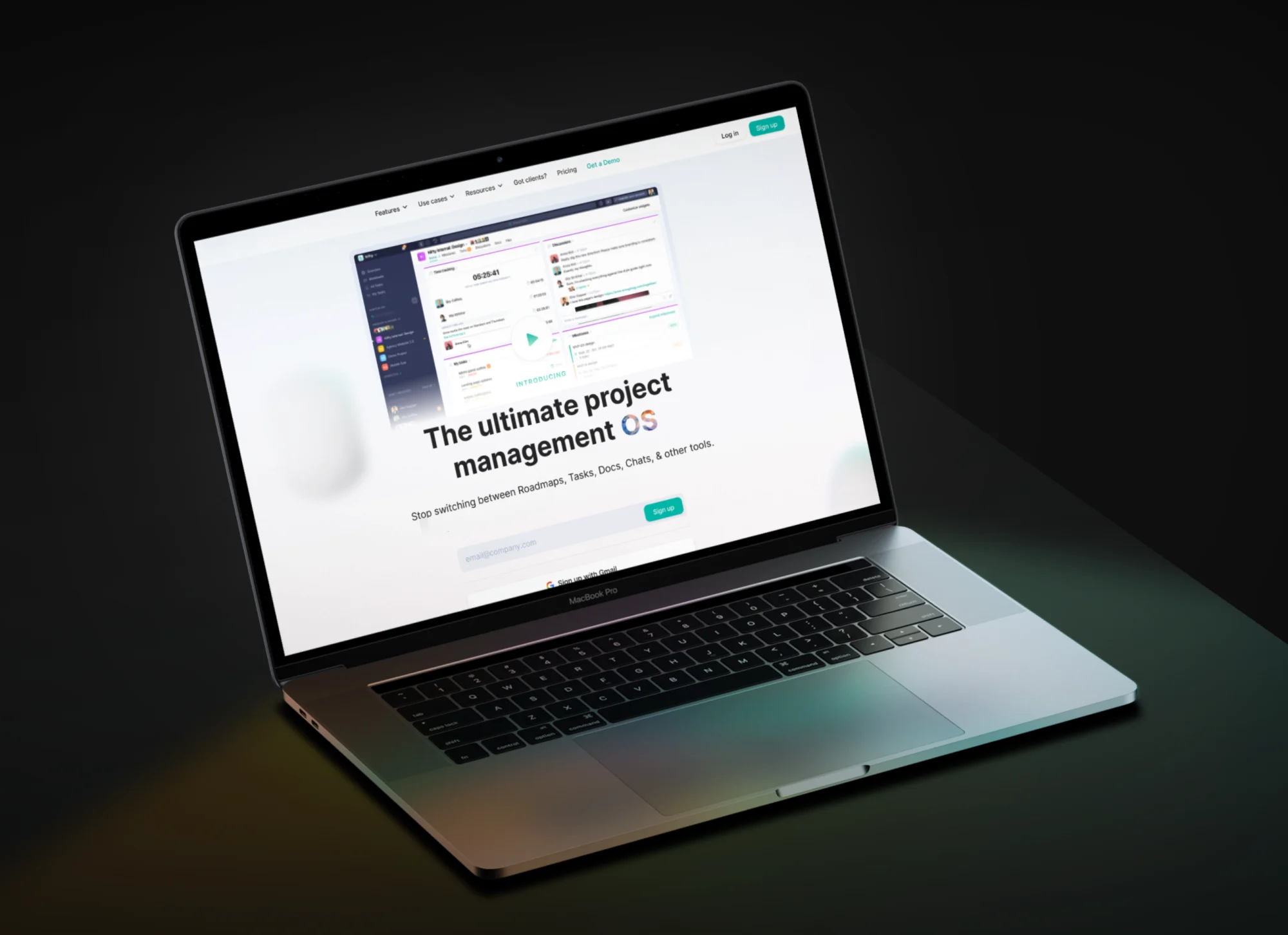
Agencies and product teams juggle a chat app, a task board and a docs tool just to ship one project. This platform puts all of it in one place (think Slack, Trello and Dropbox Paper combined): discussions, tasks, roadmaps, time tracking, docs and files.
Overspace had worked with the client for a while, from user interviews and feature planning to A/B tests and a UI guide. I joined that team to design new features for a product that was already live and growing.
02
Problem and business goals
Business and product goals
- 01Give teams a way to set goals and see progress against them, right next to their projects
- 02Make adding a task quick from anywhere in the app
- 03Refresh the store listing so it shows the core features at a glance
03
Design
Part 01
Goals, designed from scratch
Goals connect day-to-day work to bigger outcomes. Teams organise them into goal groups and give each one an owner, a target date, members and privacy. Progress fills in by itself from a chosen source (linked milestones, tasks or custom fields such as a budget), shown as a ring next to each goal with an On track, Off track or Complete status.
Opening a goal shows the milestones and tasks driving it, so nobody has to update progress by hand.
Part 02
Quick Tasks
A panel that opens from anywhere (or with Shift + T) to jot down tasks without leaving the current page. Tasks can stay personal and invisible to others, or be added to a project and assigned to teammates, each with an optional due date.
Part 03
App Store and Google Play screenshots
I redesigned the store screenshots so each one sells a single feature (Discussions, Tasks, Roadmap and Docs) with a short headline above a real screen from the app.
04
Outcome
The client was happy with the work and launched Goals and Quick Tasks in the live product. Working alongside other Overspace designers kept the new features consistent with the rest of the app.
Shipped
- —Goals
- —Quick Tasks